
Designing Your Card
Designing your digital business card is a crucial step in creating a professional and memorable first impression. Launchpad offers a user-friendly interface with various customization options to help you create a unique card that reflects your personal or brand identity.
-
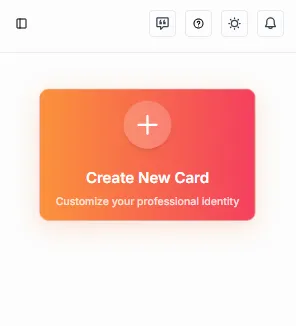
Access the Card Editor: Navigate to the card editor by pressing the “Create New Card” button on your dashboard.
-
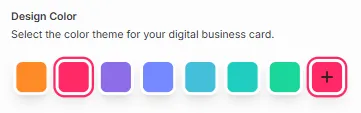
Select your Colors: Choose a color scheme that resonates with your style or brand. You can select from pre-defined colors or create custom colors.
-
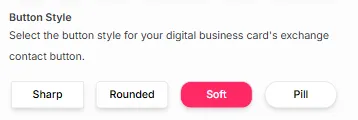
Choose a Button Style: Customize the button style to match your card’s theme.
-
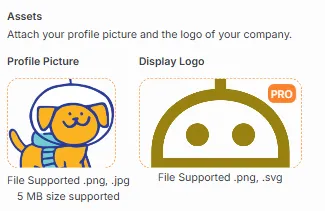
Upload a Profile Picture: Add a personal touch by uploading your profile picture. The platform provides a cropping mechanism to ensure your image fits perfectly.
-
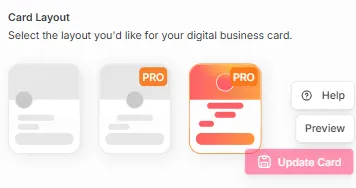
Select a Card Template: Choose from the available card templates to give your card a professional layout. Free users by default can access the first template, while Pro users have access to two more additional templates.
-
Preview Your Card: After customizing your card, preview it by pressing the
Previewbutton on the right of your screen. Make any necessary adjustments to ensure it meets your expectations.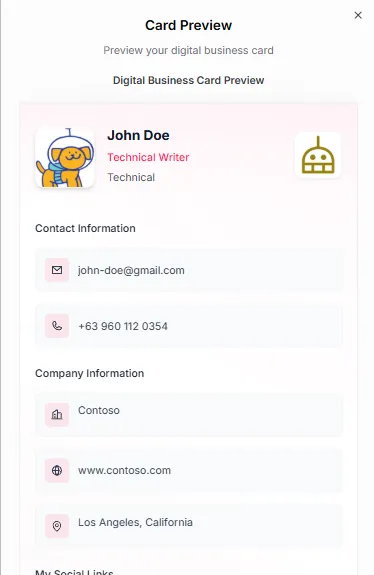
For Free users:
Section titled “For Free users:”- Design Color with Pre-defined and custom colors
- Button Style
- Profile Picture Upload with Cropping mechanism
- 1 Card Template
For Pro Users:
Section titled “For Pro Users:”- Everything in Free, plus:
- Company/Institution Logo Upload
- 2 Additional Card Templates